October 2008
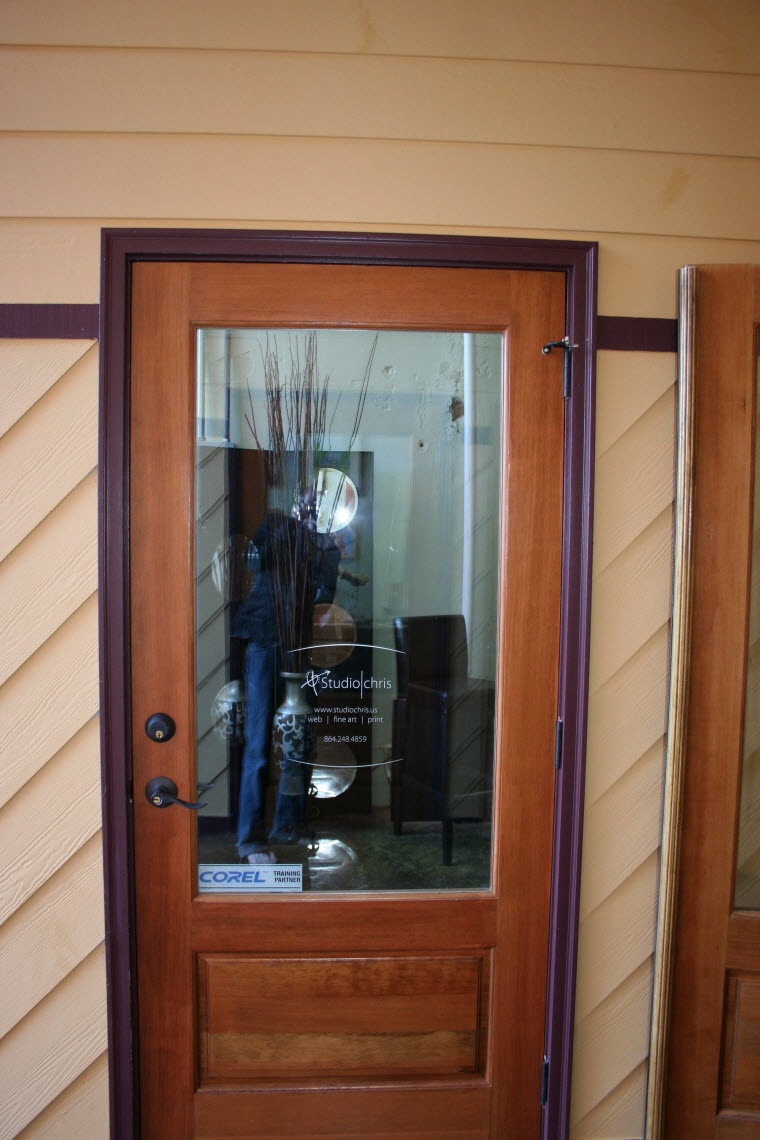
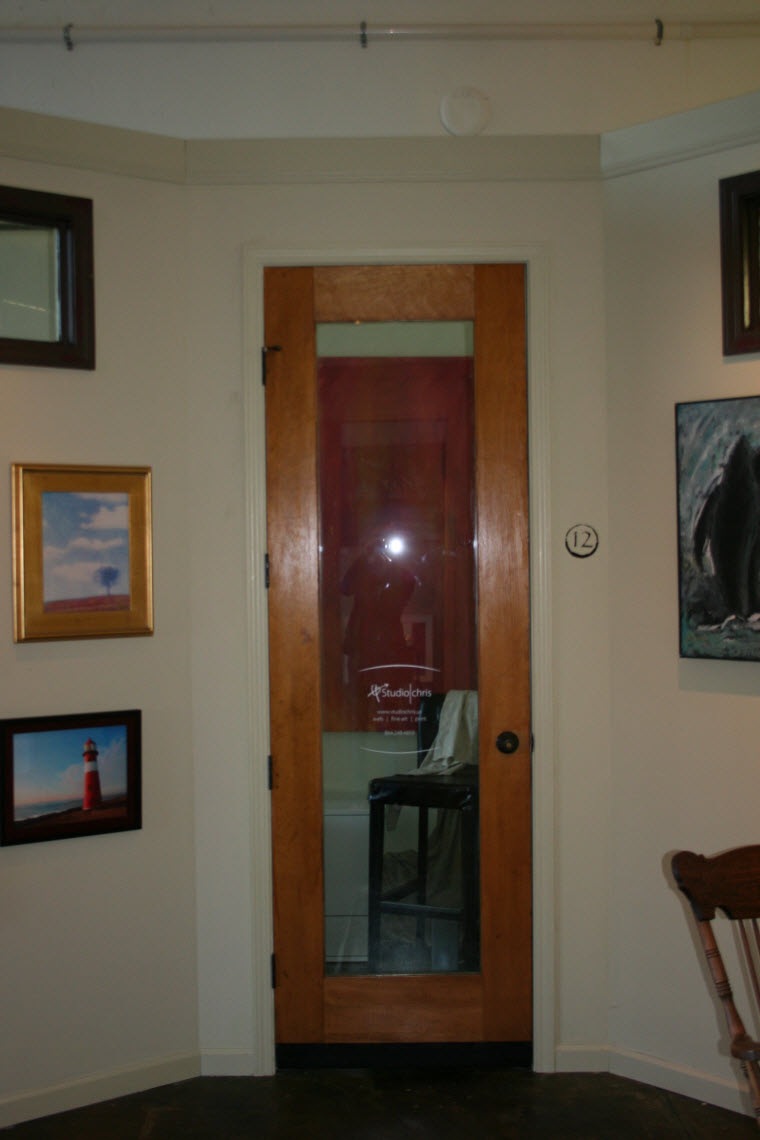
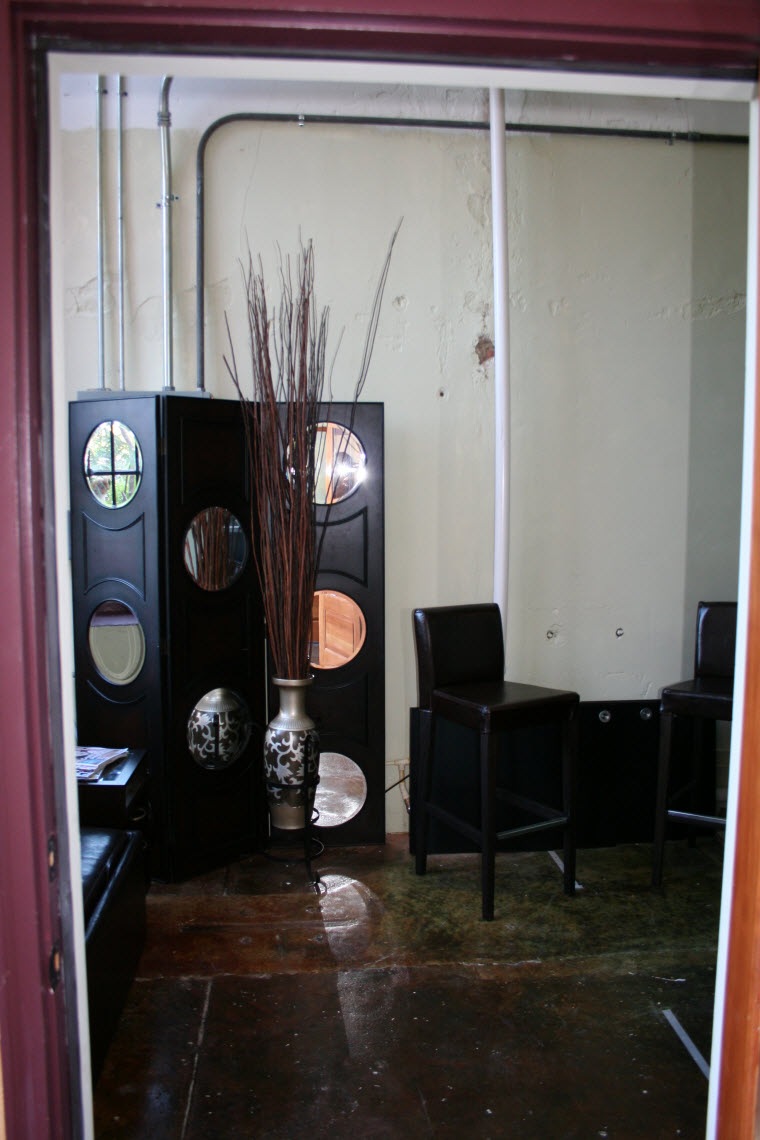
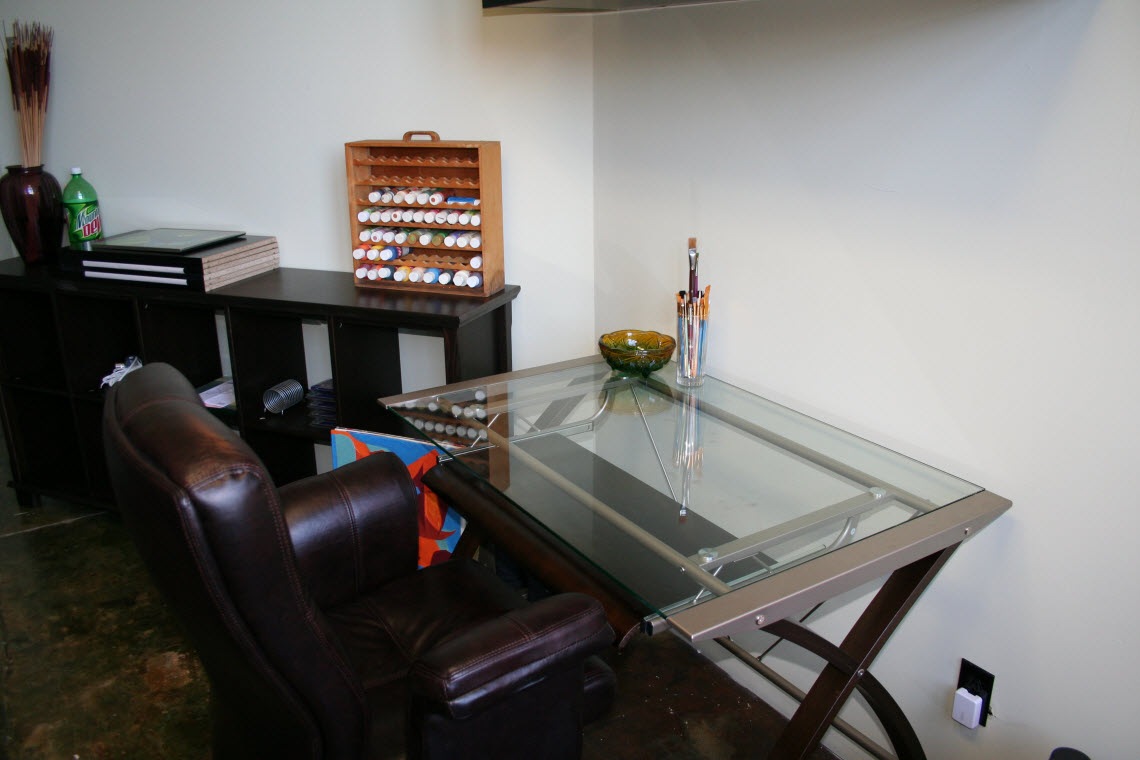
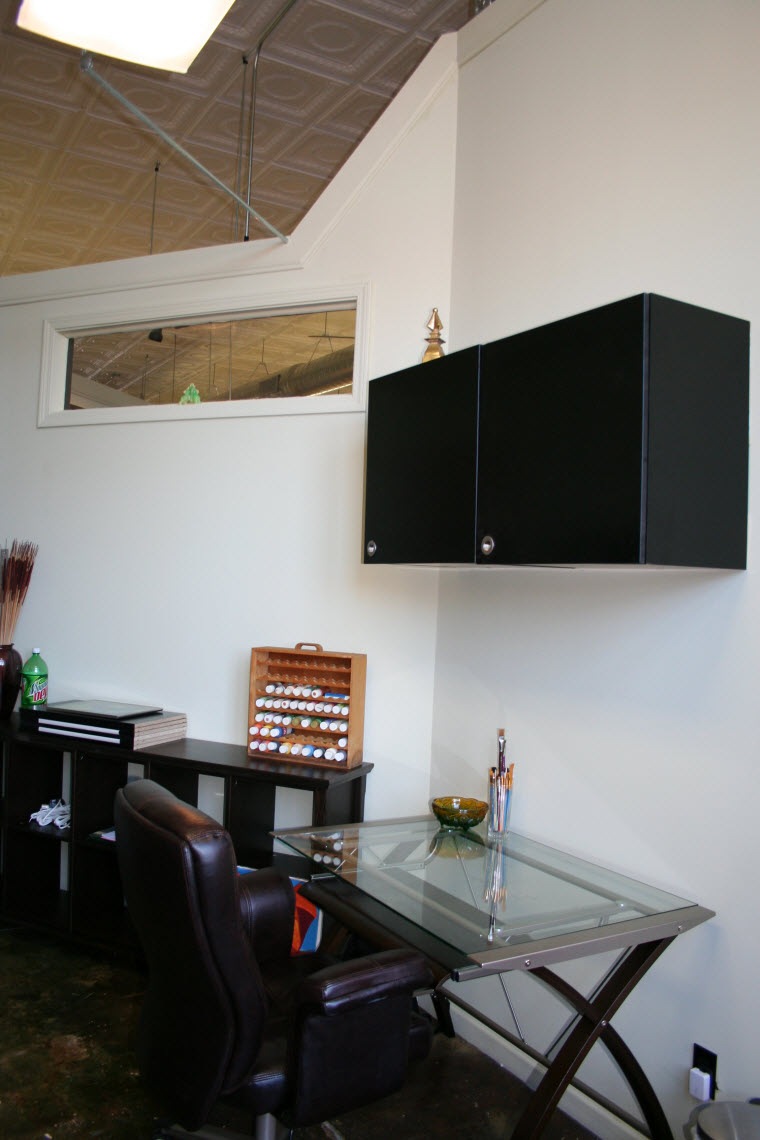
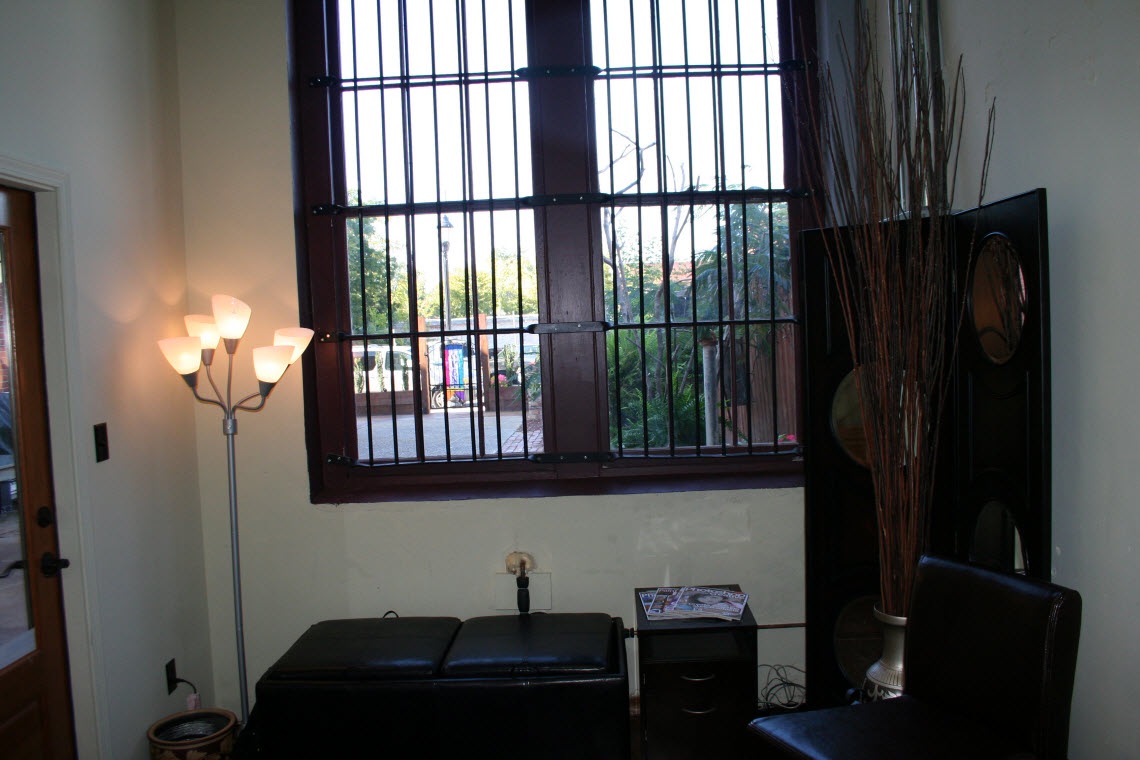
You’ve heard me talk about it over the last few blog posts, so here are some snapshots taken on October 3, right before leaving for the weekend of seminars, meetings and workshops with Marilyn Sholin at her ASTA Workshop. Of course, since then, things have progressed along nicely, but keeping with the actual timeline of progress, those pics will come later.
 |  |  |
 |  |  |
 |  |  |
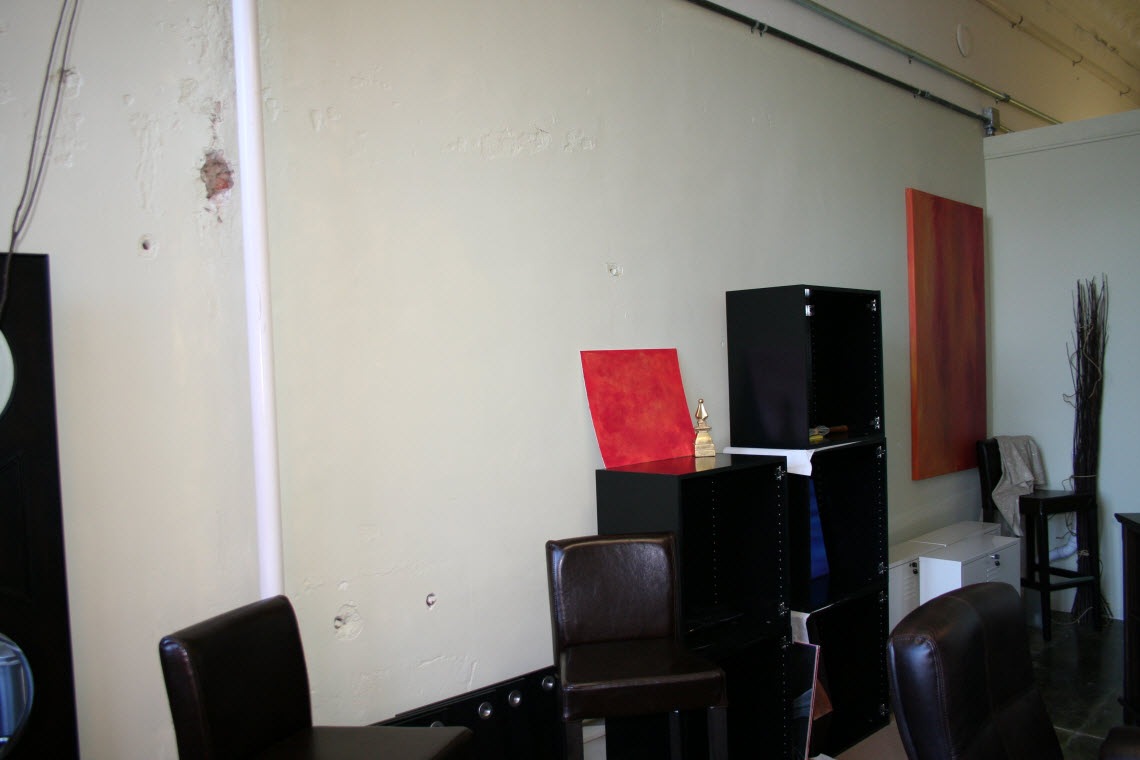 | 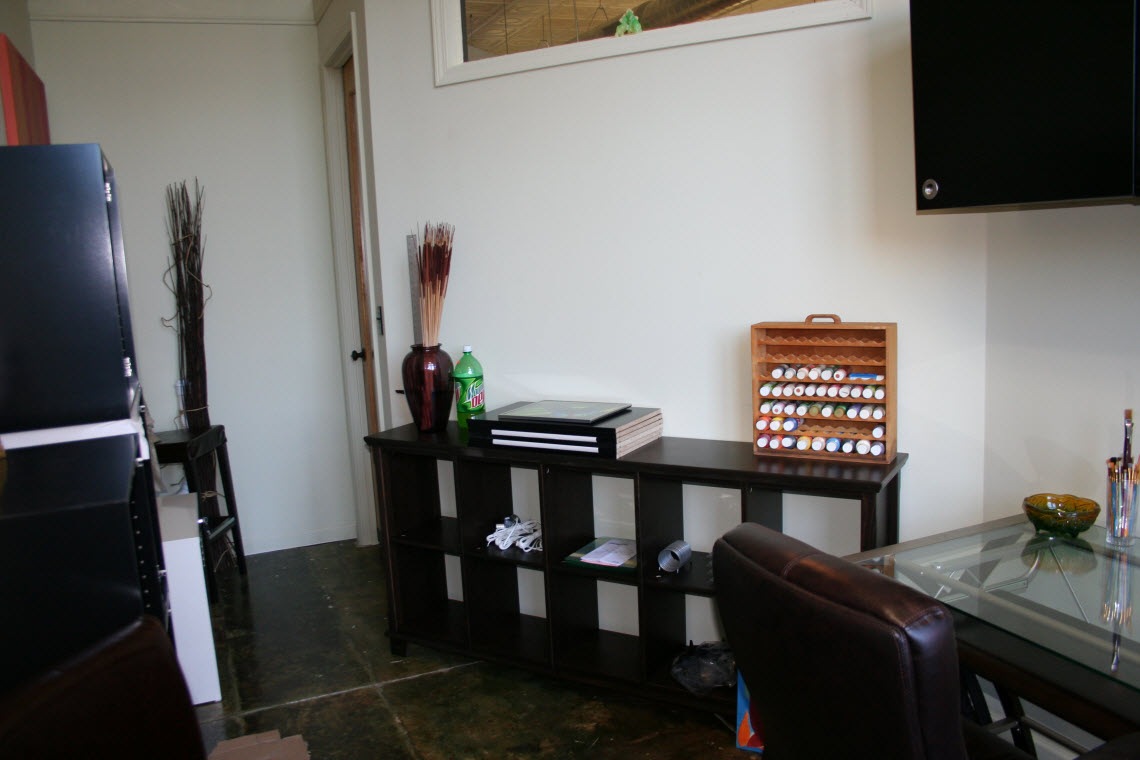 | 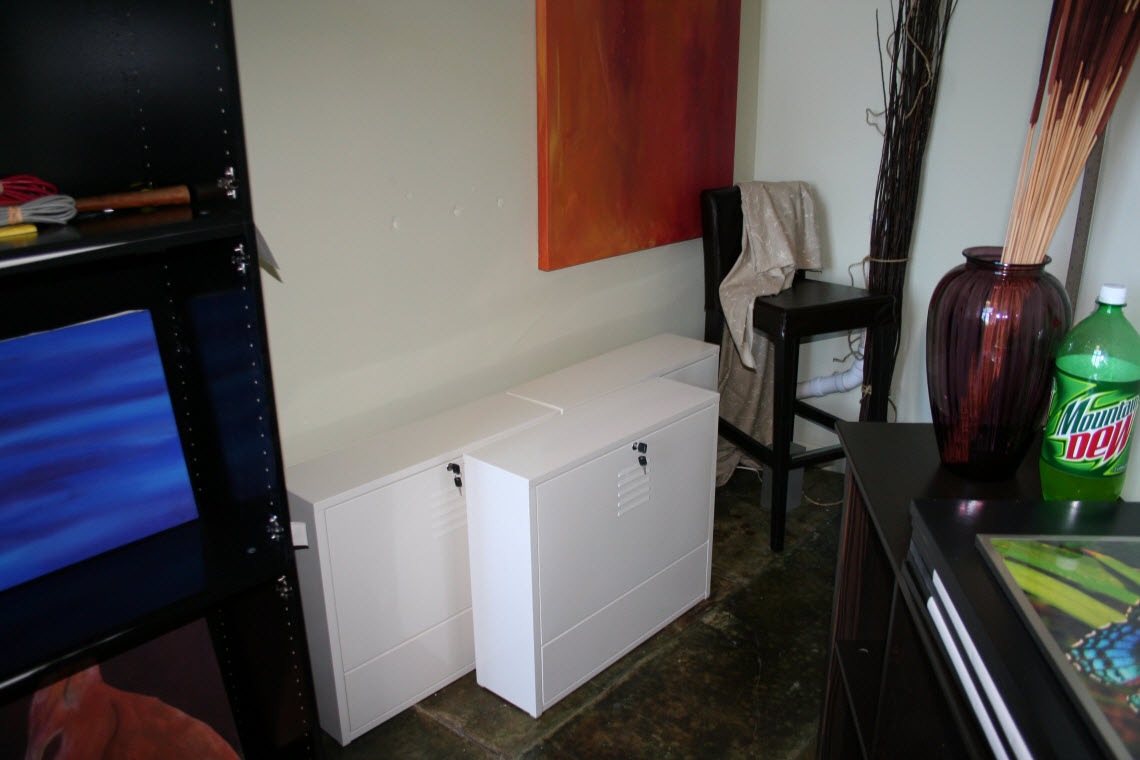 |
At this point in time, some of the furniture was in place, the cabinets were assembled, but only partially hung and the dividing gallery wall was nothing more than a drawing, some cable curled inside a flower urn and some masking tape on the floor. It is fun to look back at some of the beginning stages of this process.
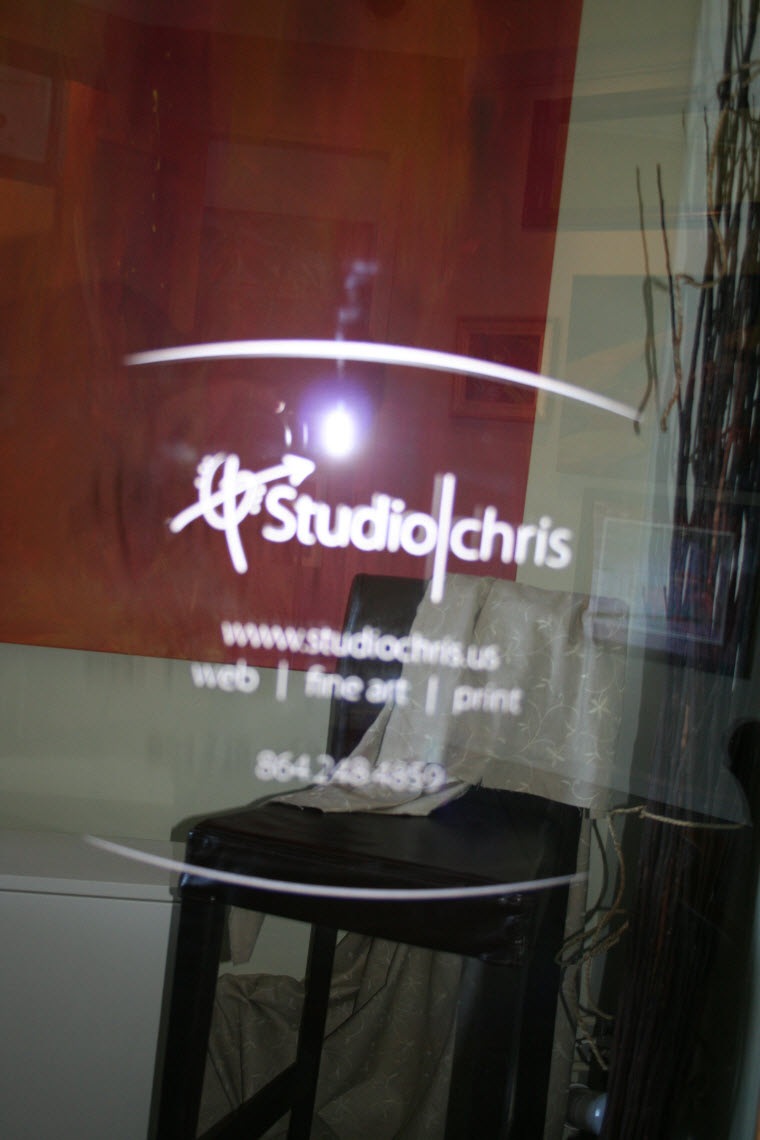
Since it is blurry above, here’s the design on both doors – can’t leave any details out:
The Grand Opening
Coincidentally, the Grand Opening of Meridian was also on October 3. While I would have loved to have been there, as mentioned above, I had to be in Asheville, NC to attend a couple of workshops and teach the Blogging with WordPress for Creative Professionals workshop (the next one is in planning) – details on the workshops coming up!
For a short article on the Grand Opening and Ribbon Cutting Ceremony, check out Greenwood Today.
In the last post, the original measurements were transformed into a working floor plan using a scale drawing created in Adobe Illustrator
The Lobby
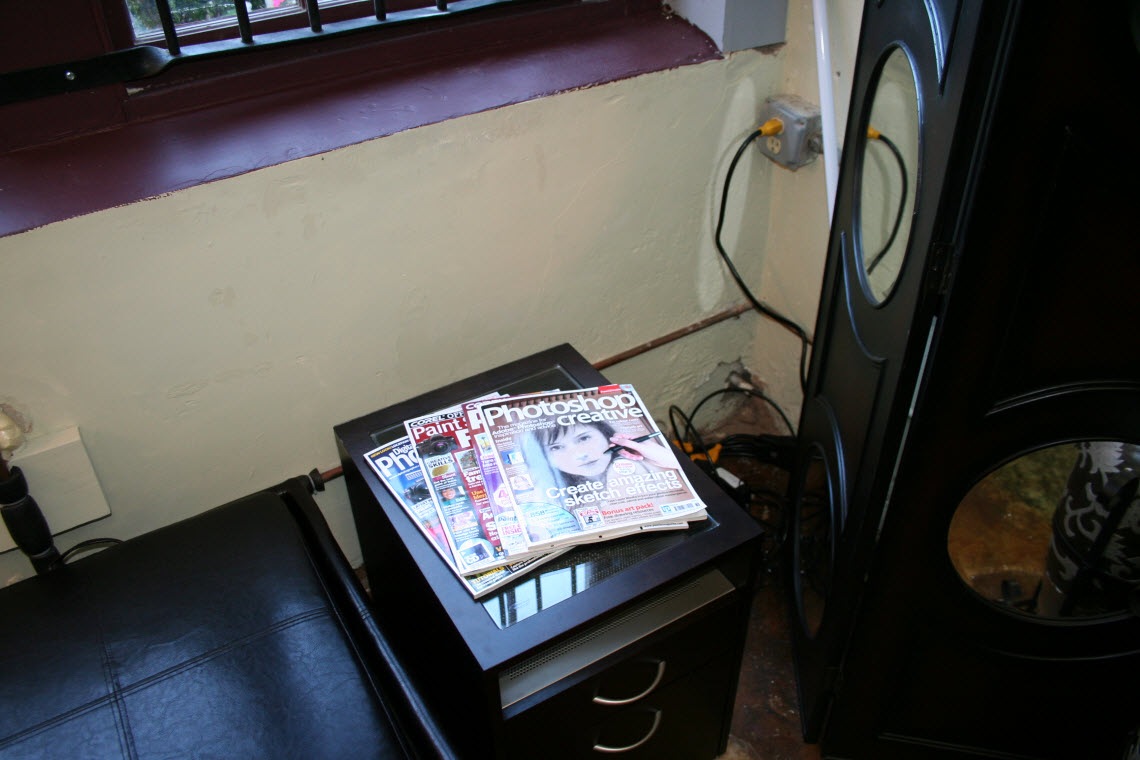
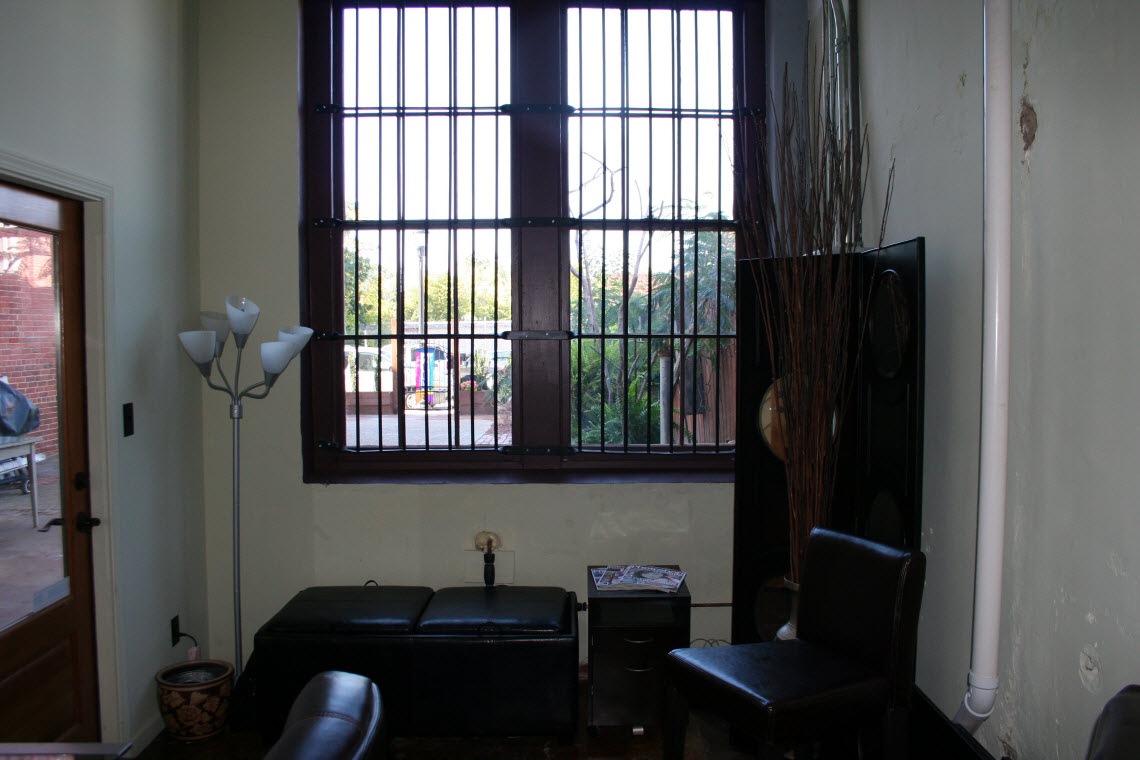
Stepping in through the front door, I established a “lobby” area outfitted with a lamp, a comfy, oversized ottoman with storage inside (the space is small – storage in every nook and cranny is very important to maintain a neat space), a plant for a bit of softness and a small decorative file cabinet, coordinated to my desk, that also serves as a magazine stand and end table. My studio also happens to hold all the utility hookups for the entire building that had to be hidden, so I chose a freestanding screen with circular mirror accents and decorative urn with an 8′ tall natural arrangement to disguise those.

Still following the design and move-in process at Meridian, I left the last post with a very important tip for beginning to design any space – take measurements! So after that, what’s next?
For me, a scale drawing was the next logical step. After taking all of my measurements, I realized the space is smaller than I originally thought, which brought a challenge in which furniture and cabinetry to choose and just how to pull together such a multifunctional space in such a small area. Being a graphic designer, I looked into my digital toolbox and chose Adobe Illustrator (also available in Creative Suite Design Premium) for the task. Sure, it isn’t making a poster, designing a website layout or a great new logo, but Illustrator’s capabilities with precise, scalable measurements makes it the perfect choice for a little impromptu room planning and interior design.
The first step in setting up the new office at Meridian was, obviously, to clear out all the clutter and transform the space from a storage closet into a usable room. Luckily, I didn’t have to be involved in that process, but I did start working before everything was cleared out. You may be asking, “What were you able to do with all that stuff in there!?” The answer is… not much, but at the same time, probably one of the most important jobs in preparing the space – measuring everything.
The studio isn’t huge, so good measurements were the key in being able to plan everything out. I’ll admit, it was tough climbing over all the obstacles, but the end result was everything I needed to begin.
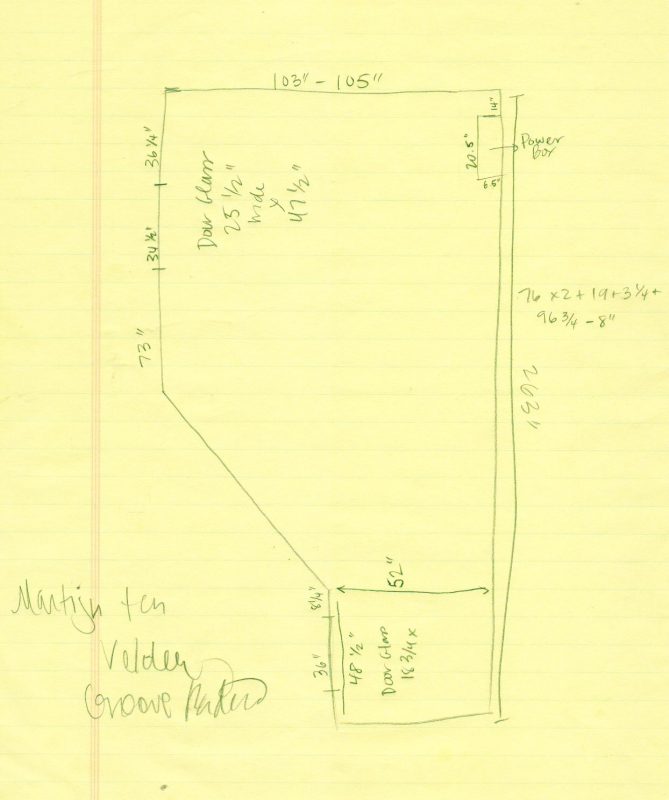
Of course, the initial drawing wasn’t to scale, but the drawing (and the random scribble taken from my radio listening) isn’t the important part – the measurements are. The drawing helps to visualize the different measurements and how they relate to the shapes of the room, though. I wasn’t able to reach the angled wall, but no worries, the scale drawing to come later filled in that measurement for me quite painlessly.
Note to all who are designing a studio space inside of an existing room – take accurate measurements! The space may appear larger than it actually is, which became my first roadblock.
It is official – Studio|chris is opening a physical office location in Greenwood, SC! This is a HUGE step and I’m happy to be able to share it with all of you!
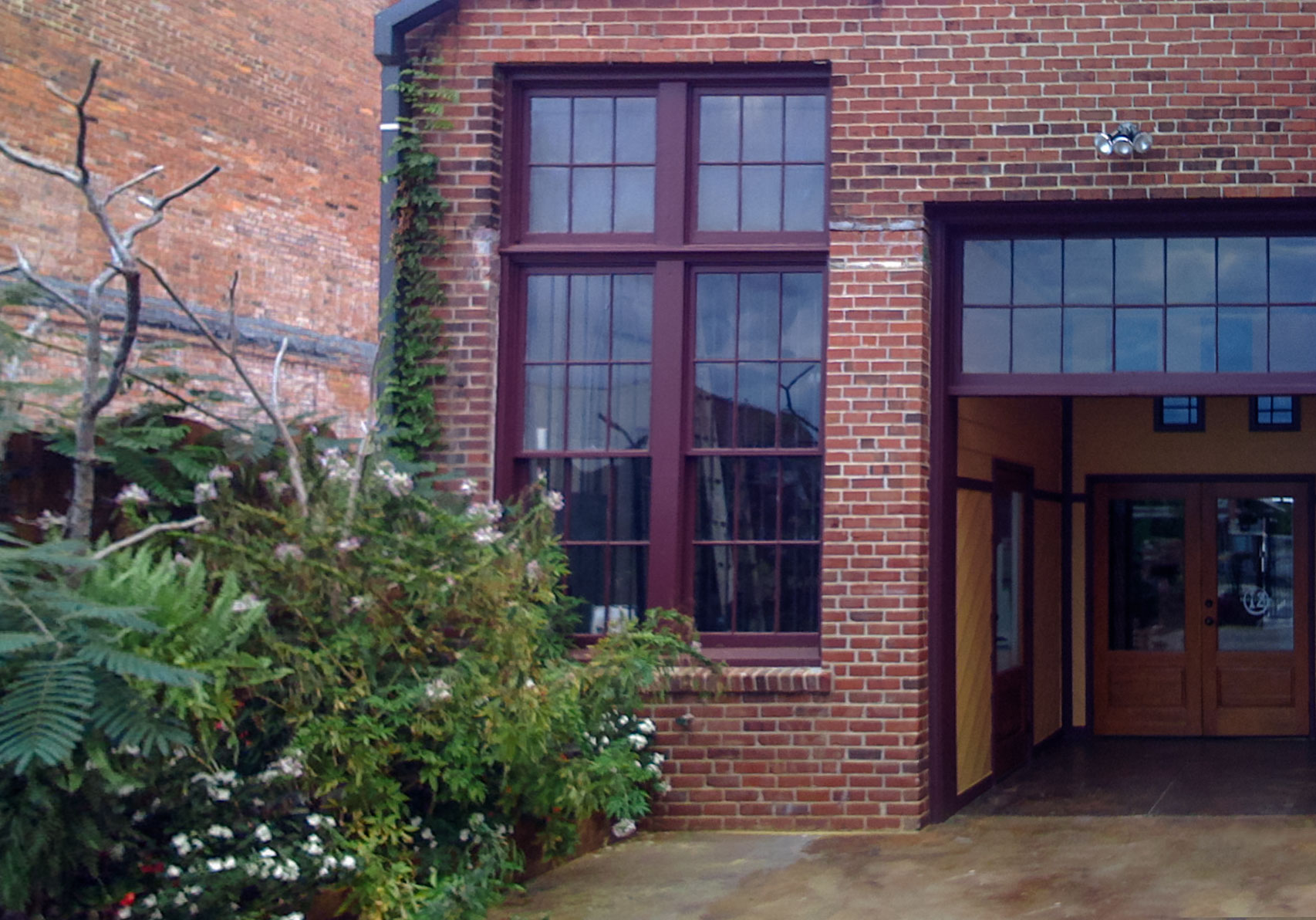
The brand new office is inside of a building named Meridian at 140 Maxwell Avenue. The space was established as 12 studio spaces for artists, and I was lucky enough to be able to pick up the last remaining studio in mid-September. Since then, thing have been a mad dash to equip the studio with furniture, cabinetry and all the other necessities to create both an office, gallery, meeting space, and a small classroom for private tutoring in all of the Adobe Creative Suite

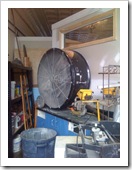
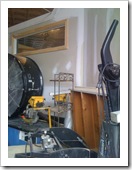
So let’s take a look back to September 15, 2008 (pics courtesy of the iPhone):
 |  |  |
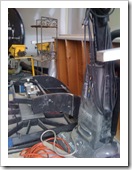 | 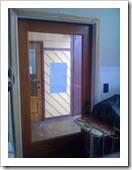 | 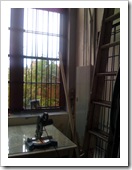 |
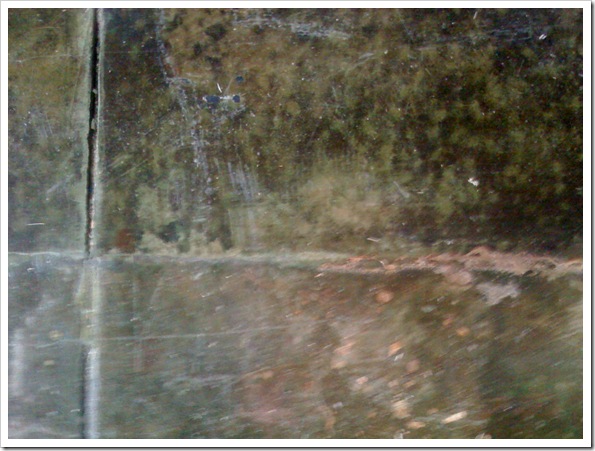
The space was being used as a storage closet for the building. Lots of miscellaneous tools, hardware, appliances and decor was scattered absolutely everywhere! Even though it was packed to the ceiling with stuff, I knew this studio was special and would become the home of Studio|chris. Although a little blurry in the photo, take a look at this fabulously aged concrete floor:
Over the next few days, I’ll be posting a series detailing the move-in process, all the events that took place after the room left its storage closet past behind and a few details about the building and my new neighbors!
I’ll also take a little time between posts to catch up on some of the events that have taken place, outside of the office, in the past month – including the awesome weekend of workshops with Marilyn Sholin.

It has been 7 long years (and a couple months) since the release of Internet Explorer 6, along with its many rendering bugs. Some of these were fixed in IE7, and even more are fixed with the forthcoming IE8. With that said, watching the stats of visitors to this site, over 90% of you have upgraded to IE7 or other, newer browsers. At this point, I’m officially dropping support for IE6 for this site, except for problems that affect usability. This doesn’t change much for the current design, which I’m planning on sticking with for a while because I love it, but future designs and improvements to this design may not display perfectly in IE6.
Unlike some sites taking a stand against IE6, I will not block IE6 from viewing the site, but just be aware that some parts may not display perfectly if you’re using IE6. All the different pages and content will be available – the drop of support is completely aesthetic in nature. Hacks will no longer be used to make sure everything is displays perfectly in IE6.
To be sure you’re seeing this site (and others) as intended, please consider upgrading your browser. Here are some recommendations:
| Internet Explorer 7  |  |  |
 | Flock  |  |
What Does This Mean For Clients?
With dropping support for IE6 on the Studio|chris site, I will also be dropping out of the box support for IE6 on any future or yet to launch client projects. IE6 display support may be added on for an additional fee, if needed. Once again, sites WILL display and be usable for IE6 users, they just may not display 100% as they do in a more standards compliant browser, like Firefox, due to the rendering engine bugs. Ultimately, this decision was made instead of raising prices across the board due to the growing amount of extra time (sometimes measured in days) spent to “fix” sites for IE6.